 FoVR Interactive
FoVR Project
Valve Tutorial
Hands-on mixed reality learning for industrial valve operation.
A Meta Quest mixed reality training experience that teaches valve operation and assembly through guided tasks, hand-tracked interaction and clear visual feedback in a risk-free environment.
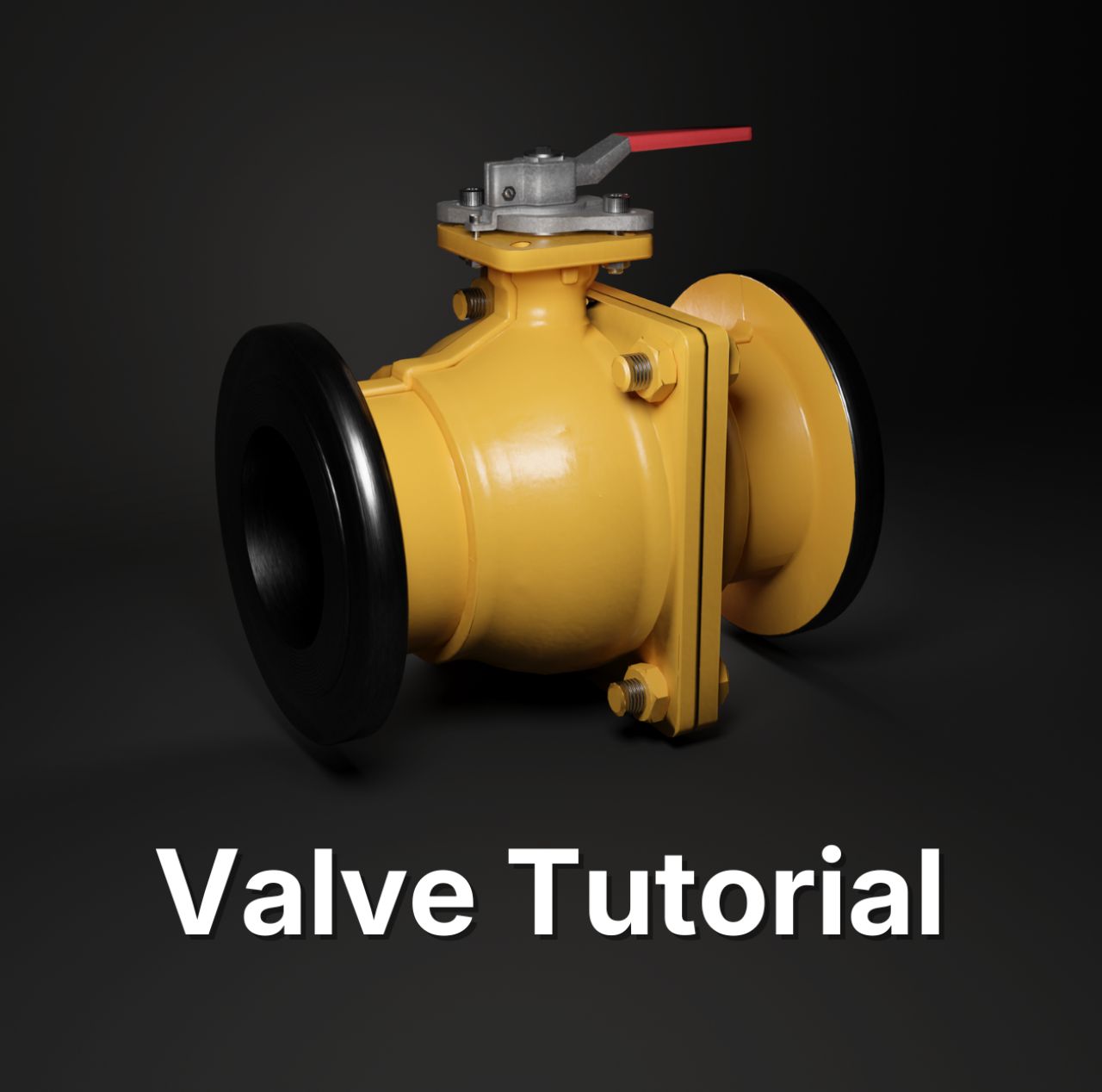
Overview
Valve Tutorial is a mixed reality training experience for Meta Quest that demonstrates how immersive technology can make mechanical equipment easier to understand through direct interaction.
Users learn valve operation and assembly through guided, hands-on modules. They can inspect components, follow visual prompts, complete an assembly sequence and see how the valve functions without needing access to physical training equipment. Hand tracking supports direct interaction, while a full VR mode provides a more focused learning environment when needed.
The project was designed around a simple training principle: if understanding depends on spatial relationships and physical steps, the learner should be able to interact with those relationships rather than only read about them or watch them on a flat screen.
Training goals
Make equipment operation easier to understand
Use an interactive 3D valve to show how components relate to one another and how the internal mechanism changes as the valve is operated.
Provide a safe place to practise
Allow users to explore the equipment and repeat guided tasks without risk to people, production equipment or physical training assets.
Turn procedures into actions
Present the assembly process as a sequence of direct interactions rather than a passive list of instructions, helping the learner connect each step with the component and spatial relationship involved.
Design and development approach
1. Define the learning flow
The experience began with the learning objective, valve operation and assembly sequence. Each step was considered in terms of what the user needed to understand and what action would make that understanding clearer.
2. Prepare the equipment model for XR
The valve was represented in detail while still being prepared for real-time standalone hardware. Components needed clear relationships, usable interaction points and visual behaviour that supported the learning goal.
3. Design guided interaction
Prompts, highlights and interaction states were used to make the next action clear without overwhelming the user. The experience was structured so that users could focus on the equipment rather than learning a complicated interface.
4. Build and optimise for Meta Quest
Valve Tutorial was developed in Unity for standalone Meta Quest hardware, combining mixed reality, VR, hand tracking, guided interactions and real-time 3D content.
5. Test on device and iterate
On-device testing focused on interaction clarity, comfort, task order, feedback and performance. The flow was refined around where users hesitated, what they understood immediately and what needed stronger visual guidance.
Technical considerations
Mixed reality and VR in one learning experience
Mixed reality allows the valve to sit naturally within the learner’s real environment, while VR provides a controlled alternative when a more focused setting is useful. Supporting both modes makes the same learning content adaptable to different contexts.
Hand-tracked mechanical interaction
Assembly training benefits from direct manipulation, but hand tracking also requires careful consideration of grab targets, spacing, feedback and task tolerances. Interactions were designed to remain understandable and forgiving enough for a learning context.
Standalone Quest performance
Detailed mechanical assets can be expensive to render on standalone hardware. The valve and scene content therefore needed to balance visual clarity with geometry, material and runtime performance constraints.
What this project demonstrates
Valve Tutorial is a practical example of FoVR Interactive’s capability across:
- immersive training and guided procedure design
- Meta Quest standalone development
- mixed reality and passthrough experiences
- hand-tracked interaction
- mechanical and equipment visualisation
- real-time 3D optimisation
- interaction prototyping and on-device iteration
It also demonstrates where XR can add value to training: situations where understanding depends on scale, spatial relationships, component behaviour and the order of physical actions.
Availability
Valve Tutorial is available on Meta Quest through the store link above.